OM1, OM2, OM3 and OM4 are grades of multimode fiber defined by their core size and modal bandwidth, and those two properties decide how far each grade can carry 1G, 10G, 40G and 100G Ethernet. The short version: OM1 and OM2 are older fibers built for LED light sources and are now treated as legacy, while OM3 and OM4 are laser-optimized 50/125 µm fibers built for 850 nm VCSELs and high-speed links. This guide puts the four grades side by side, gives the supported Ethernet distances, and explains how to choose the right multimode fiber patch cable for your network instead of just listing specs.
What Are OM1, OM2, OM3 and OM4 Multimode Fibers?
Optical fiber comes in two broad families: single-mode and multimode. Single-mode and multimode fiber differ mainly in core size and how light travels through the glass. Multimode uses a much larger core that carries many light paths, or modes, which makes it the practical, lower-cost choice for in-building and data center links up to a few hundred meters.
"OM" stands for optical multimode, and the number is a performance grade. Four OM grades are in common use today - OM1, OM2, OM3 and OM4 - alongside the newer OM5. Each grade is set apart by three things: its core diameter, the light source it is optimized for, and its modal bandwidth. Modal bandwidth is the property that ultimately limits how far the fiber can run at a given data rate, so it is the number that matters most when you are choosing a grade.
OM1 vs OM2 vs OM3 vs OM4
| Property | OM1 | OM2 | OM3 | OM4 |
|---|---|---|---|---|
| Core / cladding | 62.5 / 125 µm | 50 / 125 µm | 50 / 125 µm | 50 / 125 µm |
| Typical jacket color | Orange | Orange | Aqua | Aqua (sometimes violet) |
| Light source | LED | LED | 850 nm VCSEL | 850 nm VCSEL |
| Modal bandwidth at 850 nm | 200 MHz·km | 500 MHz·km | 2000 MHz·km | 4700 MHz·km |
| Optimized for | 100 Mb / 1 GbE | 1 GbE | 10 GbE (plus short 40G/100G) | 10G to 100 GbE |
| Status for new builds | Legacy | Legacy | Current | Current / mainstream |

Key Differences Explained
Core size
OM1 has a 62.5 µm core; OM2, OM3 and OM4 all use a 50 µm core. What this means for you: the smaller 50 µm core produces less modal dispersion, so light pulses stay cleaner over distance. It is also why you cannot freely mix 62.5 µm and 50 µm fiber in the same link - the core-size mismatch causes high loss at the joint.
Jacket color
OM1 and OM2 are usually orange, OM3 and OM4 are aqua (OM4 increasingly ships in a violet jacket to tell it apart from OM3), and OM5 is lime green. What this means for you: color is a field convention, not a guarantee. Always read the printed legend on the cable jacket to confirm the grade rather than trusting color alone, and follow your site's fiber color-coding conventions so future technicians can identify links at a glance.
Light source: LED vs VCSEL
OM1 and OM2 were designed around LED transmitters, which launch many modes into the fiber but cannot switch on and off fast enough for high-speed signaling. OM3 and OM4 are laser-optimized for 850 nm VCSELs, which modulate well above 10 Gbit/s. What this means for you: the move from LED to VCSEL is the real reason OM3 and OM4 support 10G and faster, while OM1 and OM2 effectively top out at gigabit speeds for normal link lengths.
Modal bandwidth
Effective modal bandwidth (EMB) climbs sharply across the grades: 200, 500, 2000 and 4700 MHz·km at 850 nm. What this means for you: higher modal bandwidth means less pulse spreading and therefore longer reach at a given speed. That single property explains why two 50 µm fibers - OM2 and OM4 - can differ by hundreds of meters at 10G even though their core size is identical.
OM1, OM2, OM3 and OM4 Ethernet Distance Chart
The table below shows the supported distance for common Ethernet rates. These figures come from the IEEE 802.3 application standards and the TIA cabling standards; Fluke Networks' fiber reference lists the same short 10G reach for OM1 and OM2.
| Application | OM1 | OM2 | OM3 | OM4 |
|---|---|---|---|---|
| 1000BASE-SX (1 GbE, 850 nm) | 275 m | 550 m | 550 m+ | 550 m+ |
| 10GBASE-SR (10 GbE) | 33 m | 82 m | 300 m | 400 m |
| 40GBASE-SR4 (40 GbE) | Not supported | Not supported | 100 m | 150 m |
| 100GBASE-SR4 (100 GbE) | Not supported | Not supported | 70 m | 100 m |
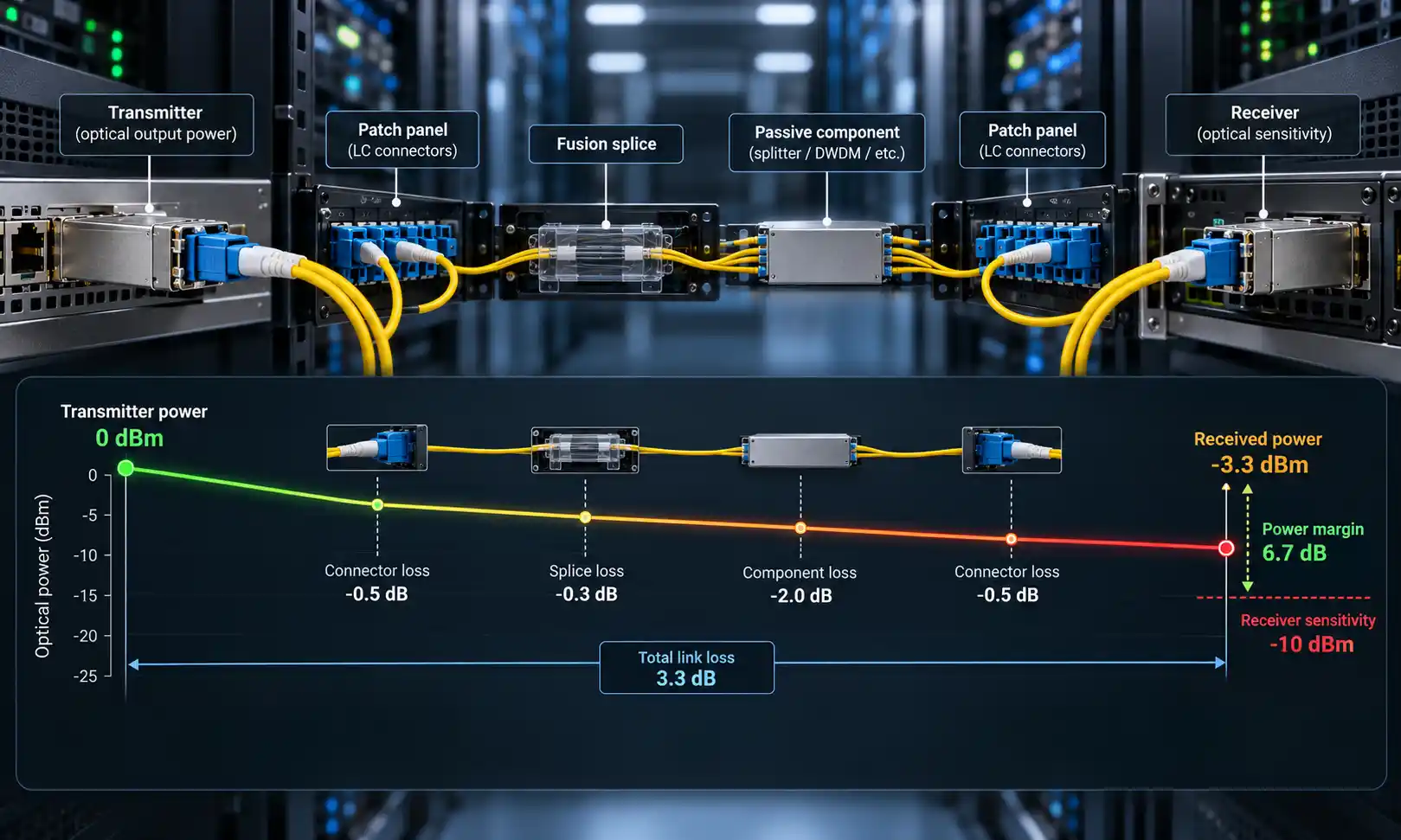
Engineering note: Published distances are worst-case figures, not a promise for every install. For 10GBASE-SR, the TIA Fiber Optics Tech Consortium lists OM4 at 400 m in the standard and up to 550 m using some engineering rules, so the 550 m number you see quoted depends on the optics and the link's loss budget. Real reach is governed by both distance and insertion loss, and every extra connector or splice eats into that budget. Size a high-speed multimode link on the actual loss budget and connector count, not on the headline distance.
Why Are OM3 and OM4 Better Than OM1 and OM2?
The advantage is not just "newer." OM1 and OM2 rely on LED-based equipment that floods the fiber with many modes of light, and LEDs simply cannot be turned on and off fast enough for high-bandwidth signaling. OM3 and OM4 are optimized for VCSEL lasers that use fewer modes and modulate far faster, which is why the IEEE chose laser-optimized multimode fiber as the basis for its high-speed standards. As a result, OM3 and OM4 are the multimode grades referenced in the 40G and 100G Ethernet specifications published by the IEEE 802.3 Ethernet Working Group. For most 10G runs an OM3 patch cable is enough; OM4 buys you extra distance headroom for the same connectors and the same 850 nm transceivers.

OM3 vs OM4: Which Should You Choose?
Both are 50 µm laser-optimized fibers and use the same VCSEL optics, so the choice comes down to distance, speed, budget and your existing plant:
- Speed and distance. If your longest run is a 10G link under 300 m, OM3 covers it. If you need 10G beyond 300 m, denser 40G/100G rows, or simply want reach headroom, an OM4 patch cable is the safer pick.
- Budget. OM3 costs less per meter. On short links where OM3's reach is comfortable, the extra spend on OM4 buys margin you may never use.
- Existing cabling. If your backbone is already OM3, matching new patch cords to OM3 keeps documentation and loss budgeting consistent. Introducing OM4 only on the longest links is a sensible, targeted upgrade.
- Future speed plans. If 40G or 100G is on the roadmap, standardizing on OM4 (or OM4 trunks with OM3 patch cords) avoids re-pulling fiber later.
If you are weighing a specific deployment, our guide on deciding between OM3 and OM4 walks through the trade-offs in more detail.
Are OM1 and OM2 Still Worth Using?
For new construction, no. OM1 and OM2 are now treated as legacy grades in the ISO/IEC 11801 and TIA-568 standards and are kept only as grandfathered fiber types for extending existing networks. They can still carry limited 10G - roughly 33 m on OM1 and 82 m on OM2 - but those distances are too short for most modern links, and 40G/100G are out of reach entirely.
The realistic position is this: keep and reuse an existing OM1/OM2 plant where the link budget allows, but do not buy 62.5 µm fiber for anything new. If you still need to service legacy equipment, a small stock of OM1 62.5/125 patch cables is fine for maintenance, while any greenfield run should start at OM3 or OM4.
OM4 vs OM5: Do You Actually Need OM5?
OM5, the lime-green "wideband" multimode fiber, is often marketed as the natural upgrade from OM4, but the picture is more nuanced. OM5 is engineered to carry several wavelengths between 850 nm and 953 nm so it can support Short Wavelength Division Multiplexing (SWDM), which lets a 100G link run over a single fiber pair instead of eight fibers.
The catch is that OM5 and OM4 share the same 4700 MHz·km bandwidth at 850 nm. For the single-wavelength 850 nm transceivers most networks actually deploy, OM5 offers no reach or speed advantage over OM4, while typically costing more. Cisco makes the same point in its analysis of when to use OM4 versus OM5: OM5 only pulls ahead when you pair it with multi-wavelength optics that reach toward 940 nm. Unless SWDM transceivers are specifically in your plan, OM4 remains the cost-effective choice. If you want to dig into the math, see our note on whether OM5 is worthwhile for 40G/100G.
How to Choose the Right OM Fiber Patch Cable
Once you have settled on a grade, a patch cable still has several other choices to get right. Start with the use case:
| Use case | Recommended fiber |
|---|---|
| Legacy 100 Mb / 1G LAN already wired with 62.5 µm | Reuse existing OM1/OM2 |
| New 1G or 10G enterprise LAN | OM3 or OM4 |
| 10G up to ~300 m | OM3 |
| 10G beyond 300 m within multimode limits | OM4 |
| 40G / 100G SR4 short links | OM3 or OM4, depending on distance |
| New high-density data center | OM4, or single-mode if reach demands it |
Then match the physical build of the patch cord to the equipment and the space:
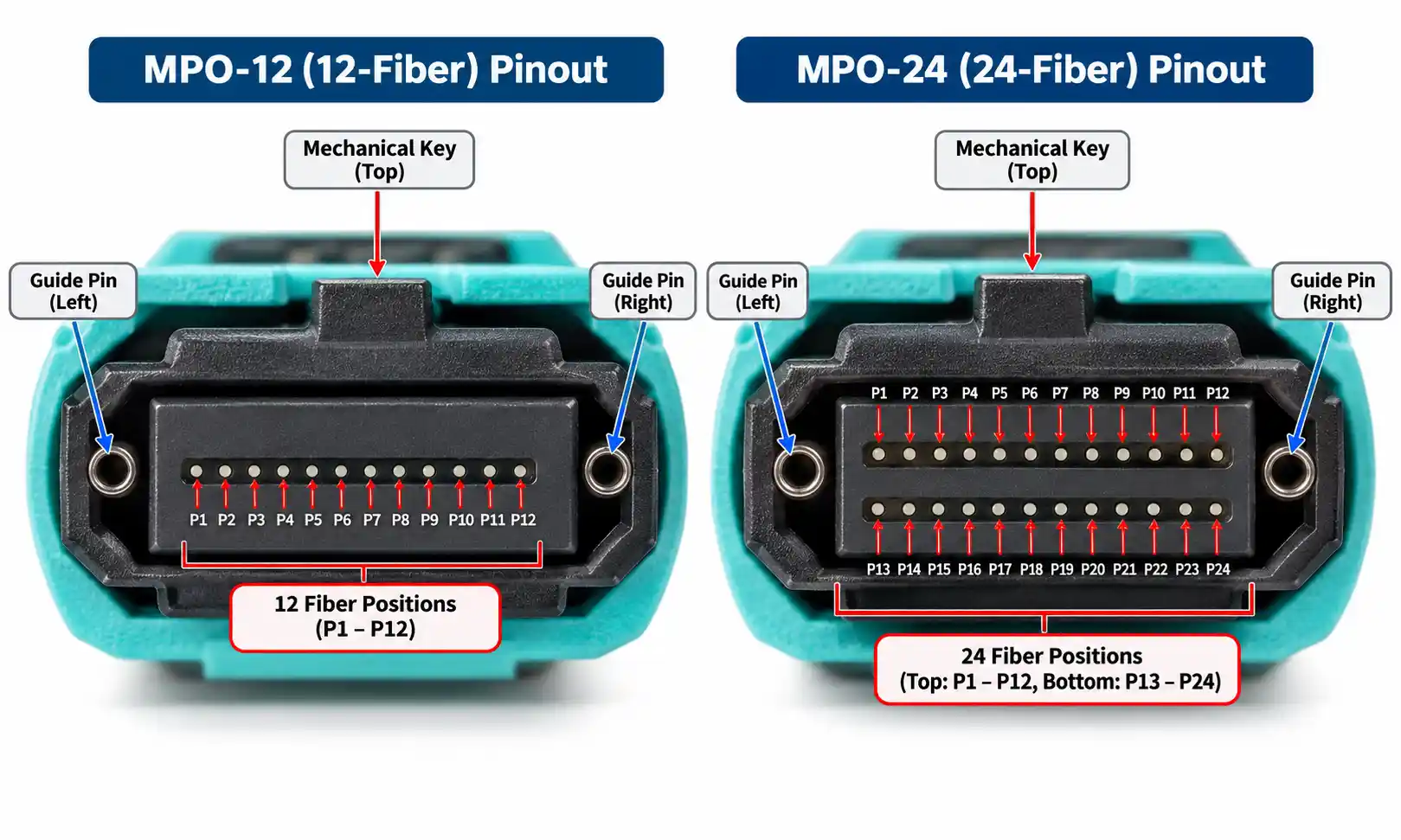
- Connector type. LC is standard for duplex SFP/SFP+ ports; SC still appears on older gear; MTP/MPO is used for parallel 40G/100G and high-density trunks. For parallel optics, a 40G/100G multimode patch cable with the correct connector and polarity matters as much as the fiber grade.
- Duplex vs trunk. Duplex LC cords serve point-to-point switch and server links; MTP trunks and breakouts handle backbone and high-fiber-count runs.
- Polarity. For MTP/MPO assemblies, confirm the polarity method (A, B or C) so transmit and receive map correctly end to end.
- Jacket rating. Choose PVC (OFNR) for general indoor routing, LSZH for occupied or poorly ventilated spaces, and OFNP (plenum) where local code requires it.
- Bend-insensitive fiber. Useful for tight patch panels and high-density racks where cords are routed around sharp corners.
- Compatibility. The same 850 nm multimode transceiver works on OM3 and OM4 - the optic transmits into a 50 µm core regardless of grade, and the grade only changes how far the link reaches.
FAQ
Q: Is OM4 better than OM3?
A: For reach, yes. OM4 has higher modal bandwidth and supports longer distances at 10G, 40G and 100G. For short links where OM3 already has comfortable margin, the difference may not justify the cost.
Q: Can OM1 support 10G?
A: Only over very short runs - about 33 m for 10GBASE-SR - which is too short for most deployments. OM1 is not recommended for new high-speed cabling.
Q: Can I mix OM3 and OM4 in the same link?
A: Yes, physically: both are 50 µm, use compatible connectors, and work with the same 850 nm transceivers. But the link inherits the reach of the lower grade and mixing complicates loss budgeting and documentation, so keeping a link to one grade is the cleaner practice. Never mix 62.5 µm (OM1) with 50 µm fiber - the core mismatch causes heavy loss.
Q: What color is OM4 fiber?
A: OM4 is typically aqua, though many vendors now use a violet jacket to distinguish it from aqua OM3. Treat color as a hint and verify the printed jacket legend.
Q: Should I choose OM3 or OM4 for a data center?
A: OM4 is the common default for new data centers because its extra reach covers more row-to-row and 40G/100G links. OM3 remains a cost-effective choice for shorter spans and existing OM3 plants.
Q: Is OM1 still used?
A: Mainly in existing installations. It is grandfathered for extending legacy networks but is not specified for new builds.
Summary
OM1 and OM2 are legacy LED-era fibers best kept for maintaining existing links, while OM3 and OM4 are laser-optimized 50 µm fibers that carry today's 10G to 100G traffic. For most new networks, OM3 covers short 10G runs economically and OM4 is the safer choice when you need extra distance or are planning for higher speeds. OM5 is worth it only if you specifically deploy SWDM optics. Whichever grade you pick, size the link on its real loss budget, match the connector type and jacket rating to the environment, and confirm the grade on the jacket rather than relying on color.