How to use a wall-mounted fiber distribution box to achieve flexible routing of multi-layer data centers?
As its name suggests, the wall-mounted fiber distribution box is a wall-mounted optical fiber distribution box that can be used to pull out optical signals through an optical fiber jumper through an adapter in the fiber distribution box. . Take the following wall-mounted fiber box as an example. It can load 2/4/8 fiber adapter panels and 2 reels, and can maximize the density in a limited space while shortening the installation time. The following figure shows two methods of using the FHD wall-mounted optical distribution box.

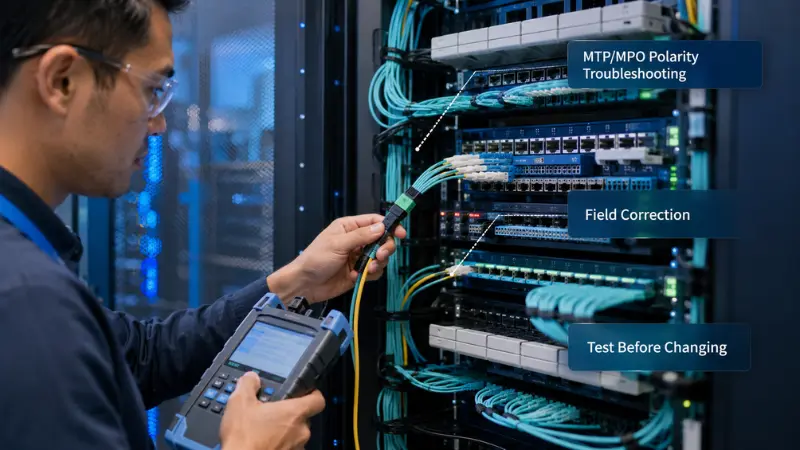
1. As mentioned earlier, wall-mounted fiber distribution enclosures with MTP fiber adapter panels and rack-mounted fiber distribution enclosures with MTP fiber optic distribution boxes can be used to manage fiber patch cables.
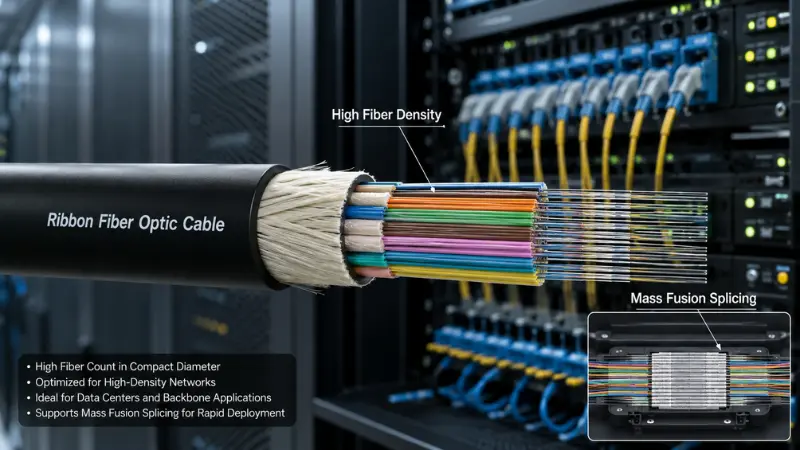
2. MPO fiber jumpers can provide backbone connectivity for data centers. In general, MPO trunk fiber jumpers have 12 cores/24 cores and 72 cores.
3. The MTP fiber distribution box installed in the fiber distribution box can be used to connect the front-end LC fiber patch cord to the back-end MPO fiber patch cord, or the MTP fiber adapter panel can be used to replace the MTP fiber distribution box and be directly connected. The trunk fiber jumper was changed to a bundled fan-out fiber jumper.
4. Regardless of how your data center is routed, the use of highly flexible wall-mounted fiber distribution enclosures can help you easily establish cable connections between floors and floors, so it is undoubtedly an important fiber jumper management device. Rack-type fiber distribution boxes are more suitable for wiring connections between racks or inside racks.